
How it works
From sign-up to your first review in minutes.
Subscribe, import your trades, and Premo does the bookkeeping. Then build the routine that turns every session into data you can learn from.
- 1Subscribe
- 2Import
- 3Review
Getting started
Three steps. No setup calls.
- 1
Choose your plan
Journal or AI, billed monthly or yearly. Pay securely through Stripe - we never see your card.
From $15.99/month - 2
Set your password
Your account is created as soon as payment goes through. Check your email for a link to set your password and sign in.
Nothing to install - 3
Import your trades
Upload a CSV from your platform. Positions, fees, P&L and every statistic are built for you, instantly.
TradeZero · TradingView
Already have an account? Sign in.
The routine
A trading day with Premo
The same loop every day: prepare, trade the plan, review. Premo keeps score.
- Before the open
Check in and prepare
Score your energy, focus, stress, confidence, impulse risk and sleep. Write your intent, your rules and your red flags. Then review the overnight session and mark your levels.
AI plan Run the AI scanner on your watchlist with your own strategy, and export the short list to your platform.
Trader psychology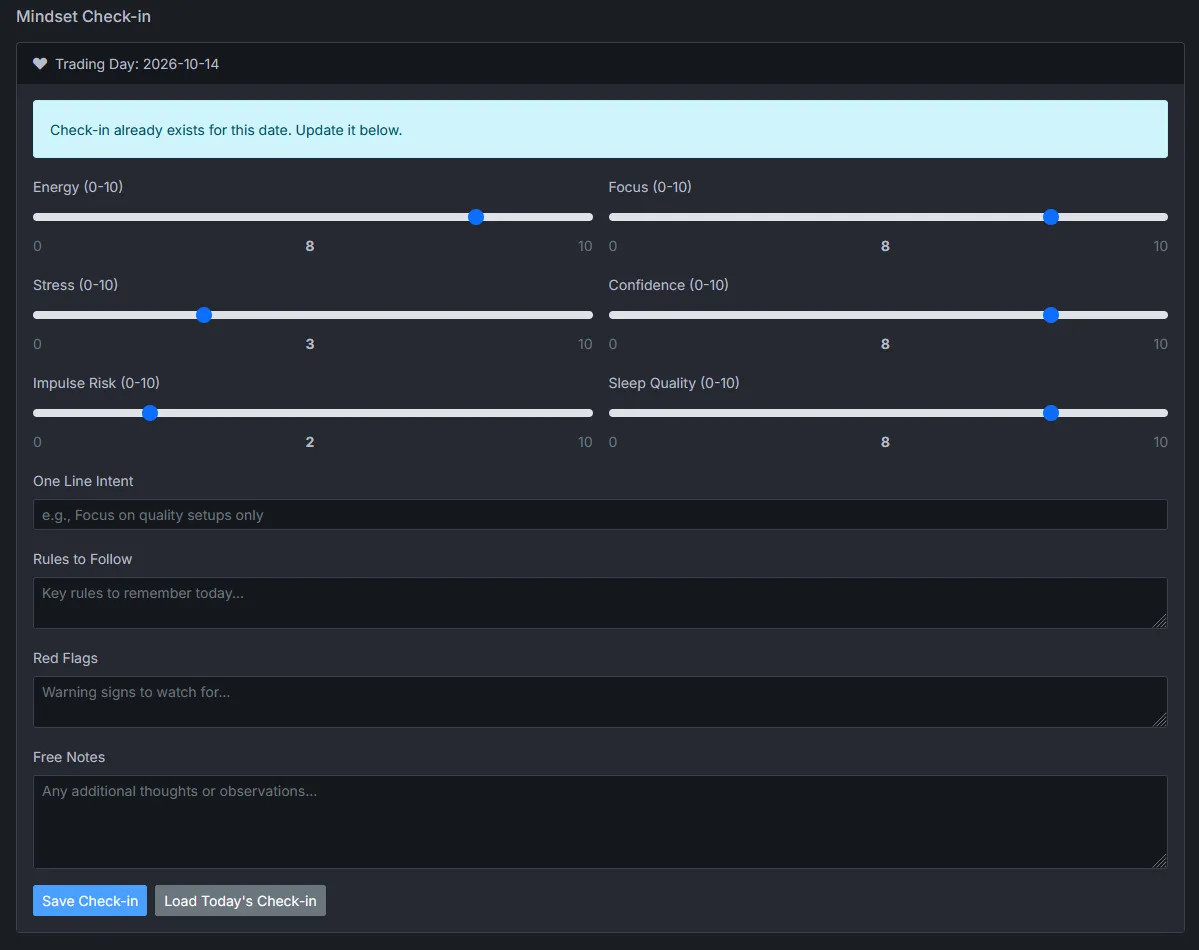
- During the session
Trade your plan, on your platform
Keep trading where you trade. Premo isn't in the way of your orders - it's there to make sure you came in with a plan, and to hold you to it afterwards.
Members AI strategy alerts watch your levels live and flash when price approaches and crosses them.
AI strategy alerts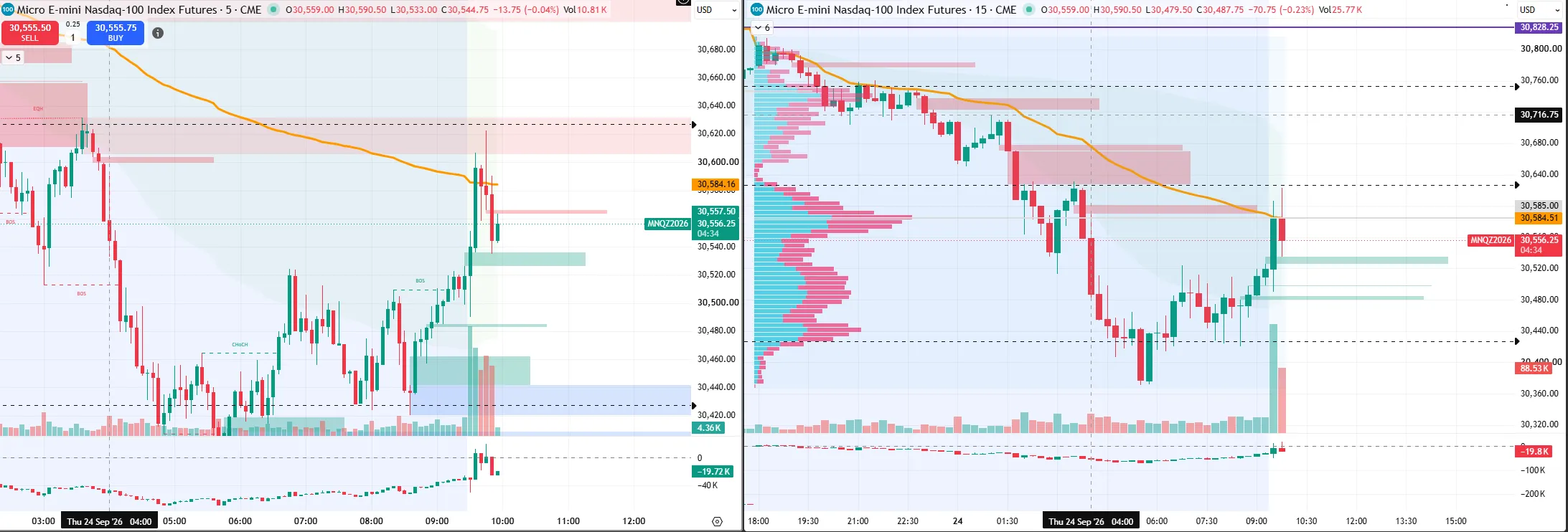
- After the close
Import and review
Import the day's fills. Your positions, P&L, fees, hourly performance and monthly objective update at once. Add notes while the session is still fresh.
Trade journal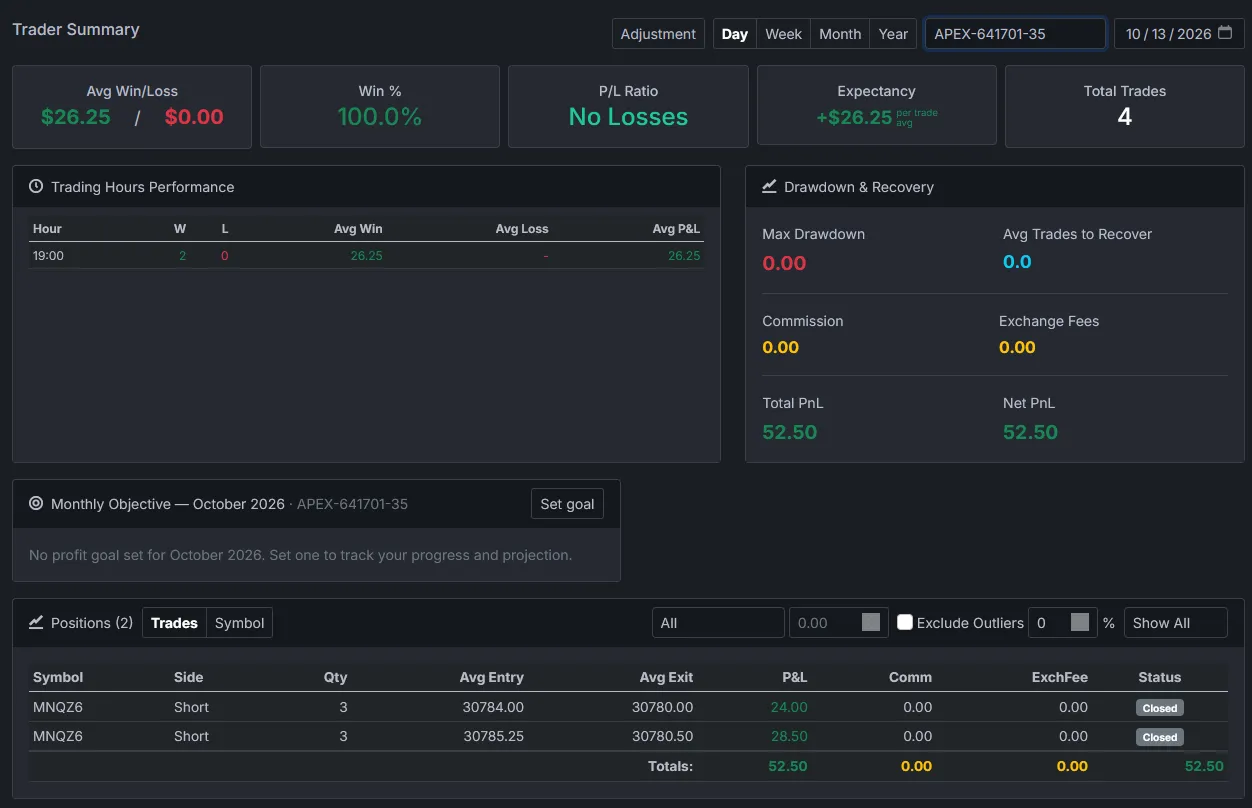
- Every week and month
Find the patterns
Switch to the week or month view. See which hours, symbols and entry prices pay, whether your edge survives without its outliers, and how your mindset lines up with your results.
Performance analytics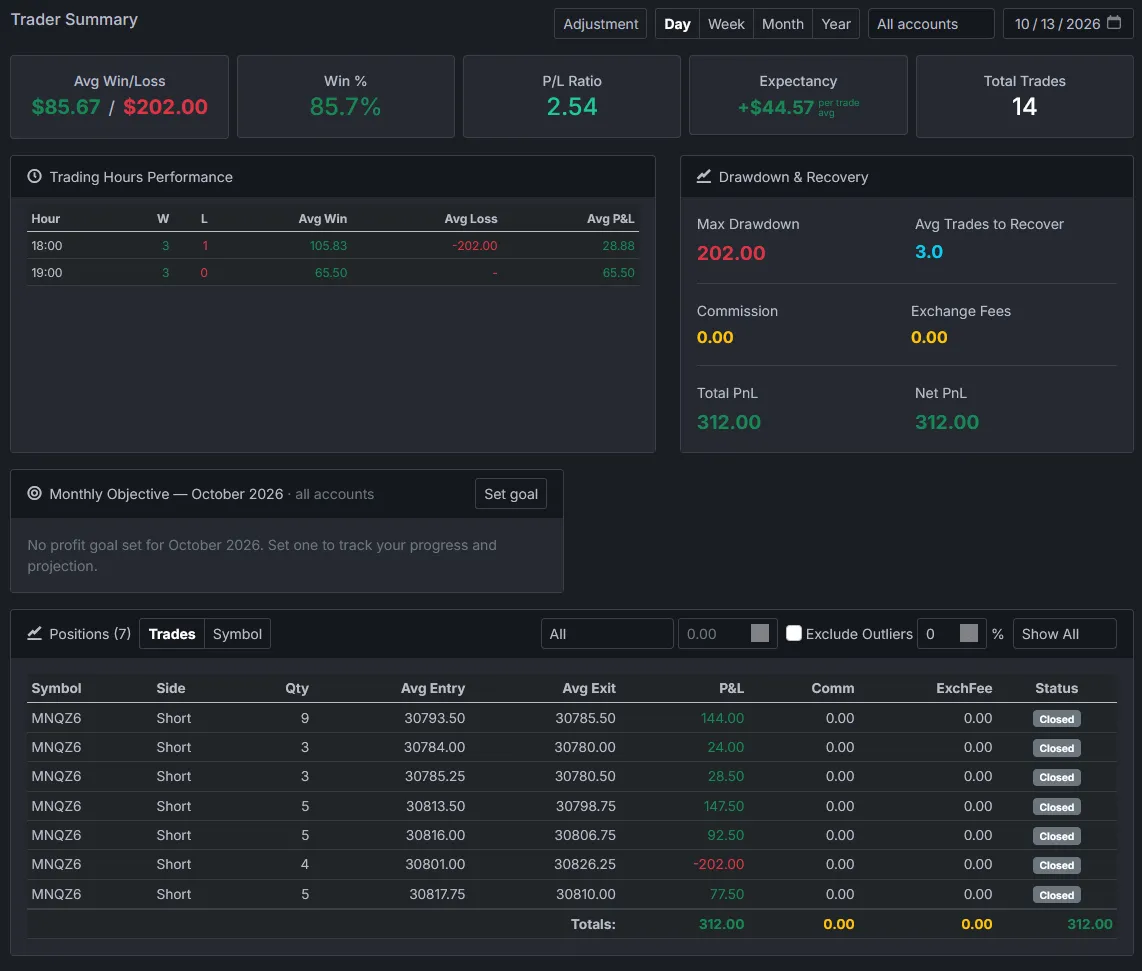
Imports
Works with the platform you already use
Export your trades as a CSV and upload it. Premo reads every fill, groups them into positions and keeps open positions carrying over until they close.
Using another platform? Tell us - we add new platforms on request.
| Source | File | Account |
|---|---|---|
| TradeZero | CSV export | Read from the file - every row names its account |
| TradingView - AMP | CSV export | You choose the account on import |
| TradingView - Tradovate | CSV export | You choose the account on import |
Three ways in
Start where you are
Journal
$15.99/mo yearly
The journal, statistics, hourly performance, objectives and psychology check-ins.
Choose JournalMembers
By invitation
GEX & strike profiles and AI strategy alerts. Not for sale - by request and approval.
Request accessFAQ
Getting started questions
How long does it take to get set up?
A few minutes: subscribe, set your password from the email, and import your first CSV. Your statistics appear as soon as the import finishes.
Do I need to install anything?
No. Premo Trading runs in your web browser. Your charting and order entry stay on the platform you already use.
Can I import my past trades?
Yes. Import any CSV export from a supported platform, including older ones, and your history is rebuilt into positions and statistics.
My broker or platform is not listed. What can I do?
Tell us which platform you use. We add new platforms on request.
Can I switch plans later?
Yes. Start with Journal and upgrade to AI at any time, or switch between monthly and yearly billing from your account.